The sd678 app for Android, installed in minutes
sd678 app is a 28 MB Android build of the site. Download the file, allow installs from your browser, and sign in with the account you already use on the web. No app store step, no fee.
- SSL Encryption
- 24/7 Live Chat
- bKash · Nagad · Rocket · Upay
Version 2.9.0 · 28 MB · Android 6.0 and above · Free
On the phone already? The QR code in the download panel below opens the same file.
18+ · Play Responsibly
What the sd678 app does better than a browser tab
Six differences you notice in the first week, all of them about speed and habit rather than extra features.
Still signed in when you open it
Your session stays on the device, so checking a cricket score at lunch does not mean typing a password again. Log out from the menu before you hand the phone to someone else, and sign back in with the same details you use on the website.
Every game in the same lobby
The app carries the full lobby: slots, live dealer tables, fishing, crash and sports. FA Chai, Ezugi, Spribe, JILI and JDB are all in there, so the titles you follow on desktop appear with the same names and the same RTP figures.
Deposits without a browser switch
Add funds with bKash, Nagad, Rocket or Upay from inside the app. The minimum is ৳250 and most top-ups clear within 5 minutes. The 135% welcome bonus up to ৳28,500 follows exactly the same terms as on the desktop site.
Cash-outs from the same queue
Withdrawals started in the app join the same review line as web requests. The minimum is ৳1,000, most payouts finish in about 20 minutes, and the daily limit starts at ৳250,000 on the entry tier.
A small file that respects storage
The 28 MB install fits an older handset with room left over, and game art loads only when you open a lobby. That keeps a 4G session lighter than pulling the full desktop page every time you log in.
Help that does not close the round
Live chat runs 24/7 and opens as a panel over the table, so a stuck deposit does not cost you the game. The help centre covers KYC, bonus rules and withdrawal caps in plain English.
Download the sd678 app file in one tap
The button below serves sd678.apk, version 2.9.0, 28 MB. Nothing is wrapped in an installer bundle and no second app is offered on the way.
- 28 MB file, installs over 4G in well under a minute.
- Signs in with the sd678 account you already have.
- bKash, Nagad, Rocket and Upay inside the cashier.
- Chat support without leaving the screen.
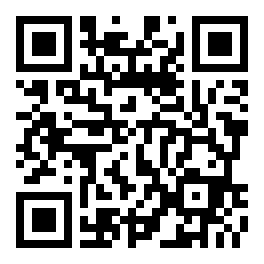
Scan with the phone camera to skip typing the address.
System requirements and file information
| App name | sd678 App for Android |
|---|---|
| Version | 2.9.0 |
| File name | sd678.apk |
| File size | 28 MB |
| Android version required | 6.0 or newer |
| Last updated | 9 November 2026 |
| Price | Free, no subscription and no in-app purchase to open the lobby |
| Languages | English and Bangla |
| Account | Same login, wallet and bonus balance as the website |
Not sure your phone qualifies? Open Settings, then About phone, and read the Android version line. Anything from 6.0 upward will run version 2.9.0 without trouble.
What you can open from the sd678 app lobby
The mobile lobby is not a cut-down build. It lists the same 2,100 titles from the same five providers, sorted into the categories below.
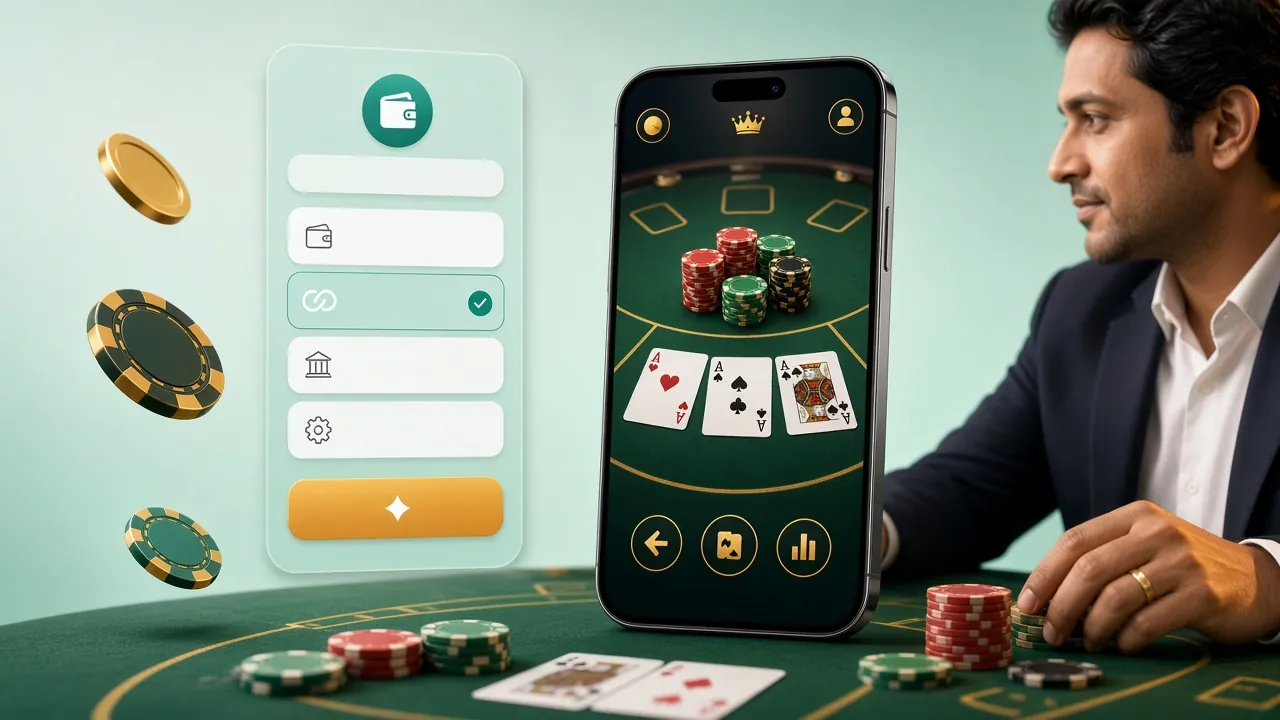
Cricket and football markets sit beside the card tables, so one app covers a Saturday match and a late-night slot session. Open the sd678 casino page if you want the full catalogue before installing anything.
- Slots Ganesh Fortune, Fortune Mouse and 10001 Nights, with bets starting at ৳1.
- Live casino European Roulette Pro and Double Exposure Blackjack, dealt on real tables by Ezugi.
- Fishing Dragon Fishing and 3 Gods Fishing for players who like a target on screen.
- Crash and lottery Short rounds from Spribe and JILI that suit a two-minute break.
- Sports Cricket and football markets shared with the website, not a separate wallet.


Is the sd678 APK safe to install?
Four checks that take less time than the download itself.
-
One file, one address
sd678.apk is served from this domain over HTTPS. A copy forwarded through a Telegram group, a Facebook page or an APK mirror cannot be checked against the original, so treat it as a different and unknown file, and delete it rather than installing it.
-
Permissions you should see
Android asks for storage (to keep the file and later updates), network access and notifications. Contacts, call logs and SMS are not part of the install. If a build ever asks for them, stop where you are and install again from this page.
-
Check the numbers before you tap install
The download should read 28 MB and version 2.9.0. A file that finishes in a few seconds, or shows 3 MB, arrived incomplete; delete it and start again on a stable connection instead of forcing the installer open.
-
Protect the account afterwards
Use a password you have not reused elsewhere, log out on shared handsets, and finish KYC with an NID, passport or driving licence before your first cash-out; review takes about 2 hours. Nobody from sd678 needs your bKash PIN or a one-time code over chat.
App or browser: which one fits your day?
Both routes reach the same wallet and the same games. The difference is in the small habits around them.
| What you compare | Android app | Mobile browser |
|---|---|---|
| Space on the phone | 28 MB once, plus game art as you open lobbies | Nothing installed, but the page keeps a cache |
| Signing in | Stays signed in between sessions until you log out | Usually asks again after a longer break |
| Games available | All 2,100 titles from the five providers | All 2,100 titles from the five providers |
| Deposits | bKash, Nagad, Rocket and Upay from the in-app cashier, ৳250 minimum | The same four methods in the web cashier |
| Withdrawals | Same queue, about 20 minutes on average | Same queue, same 20-minute average |
| Alerts | Bonus and result notifications you can switch off in settings | None, unless you read email |
| Data use | Lighter, because art loads per lobby rather than up front | Heavier on the first load of a session |
| Updates | Install the new APK over the old version | Refresh the page, nothing to install |
Players who check cricket prices several times a day tend to keep the app on the home screen. If you log in once a month, the browser costs you nothing and never needs updating.
Install the sd678 app on Android in five steps
Allow installs, download, confirm, sign in, deposit. The whole sequence is usually finished in under five minutes.
-
1
Allow installs from your browser
Open Settings, go to Apps, then Special access and Install unknown apps. Pick the browser you will download with, for example Chrome, and switch the permission on. Android 6 and 7 call the same setting Unknown sources and keep it under Security.
-
2
Download sd678.apk
Tap Download APK at the top of this page. The file is 28 MB, so a steady 4G connection clears it in well under a minute. Keep the screen on until the download notification disappears, then open the file from your Downloads folder.
-
3
Confirm the install
Android shows the file name and the permissions before anything is written to storage. Check that it reads sd678.apk, then tap Install. Play Protect may warn about an app from outside the store; choose More details first, then Install anyway.
-
4
Sign in or create an account
Open the app and enter the details you use on the website. New here? Finish the short registration form first. If a password refuses, reset it once from the sd678 login page instead of guessing.
-
5
Make a first deposit
Open the cashier, choose bKash, Nagad, Rocket or Upay, and add at least ৳250. Money normally lands within 5 minutes, and the 135% welcome bonus up to ৳28,500 is applied under the same terms you would get on desktop.
iPhone and iPad: add the site to the home screen
There is no APK for iPhones. Safari can pin the site to the home screen, which removes the browser bars and works offline for the icon.
- Open the site in Safari on the iPhone or iPad, not in a social app's built-in browser.
- Tap the Share button in the bottom toolbar, then scroll to Add to Home Screen.
- Name the shortcut sd678 and tap Add. The icon now opens the full site in one tap.
When the install fails, the message tells you why
Five messages cover almost every failed attempt on Android. Match the wording, then follow the fix in the last column.
| Message on screen | What caused it | What to do |
|---|---|---|
| App not installed | The download stopped early, or an older build of the same app is still on the phone with a different signature. | Delete the file, uninstall the old version, then download sd678.apk again from this page and install the fresh copy. |
| Install unknown apps is greyed out | The browser has no permission to install, or a work profile is overriding the setting. | Go to Settings, Apps, Special access, Install unknown apps, choose your browser and allow it. On a company phone, the device admin has to approve it. |
| Play Protect says the app is unsafe | Android warns about every package that does not come through the Play Store; it is a blanket message, not a verdict on this file. | Tap More details, then Install anyway. If the file came from anywhere other than this domain, delete it instead of overriding the warning. |
| Download freezes near the end | A weak signal, or less than 100 MB of free storage on the device. | Clear space, move to Wi-Fi, and restart the download from the button above. A finished file reads 28 MB in the Downloads folder. |
| Login fails after installing | The password is mistyped, or registration was started and never completed. | Reset the password once from the login page, or finish signing up. If nothing works, live chat runs 24/7 and can check the account state. |
Questions that come up before the first install
Where to look first
Most install trouble is a partial download or a browser without permission to install apps. Both are covered in the troubleshooting table just above.